

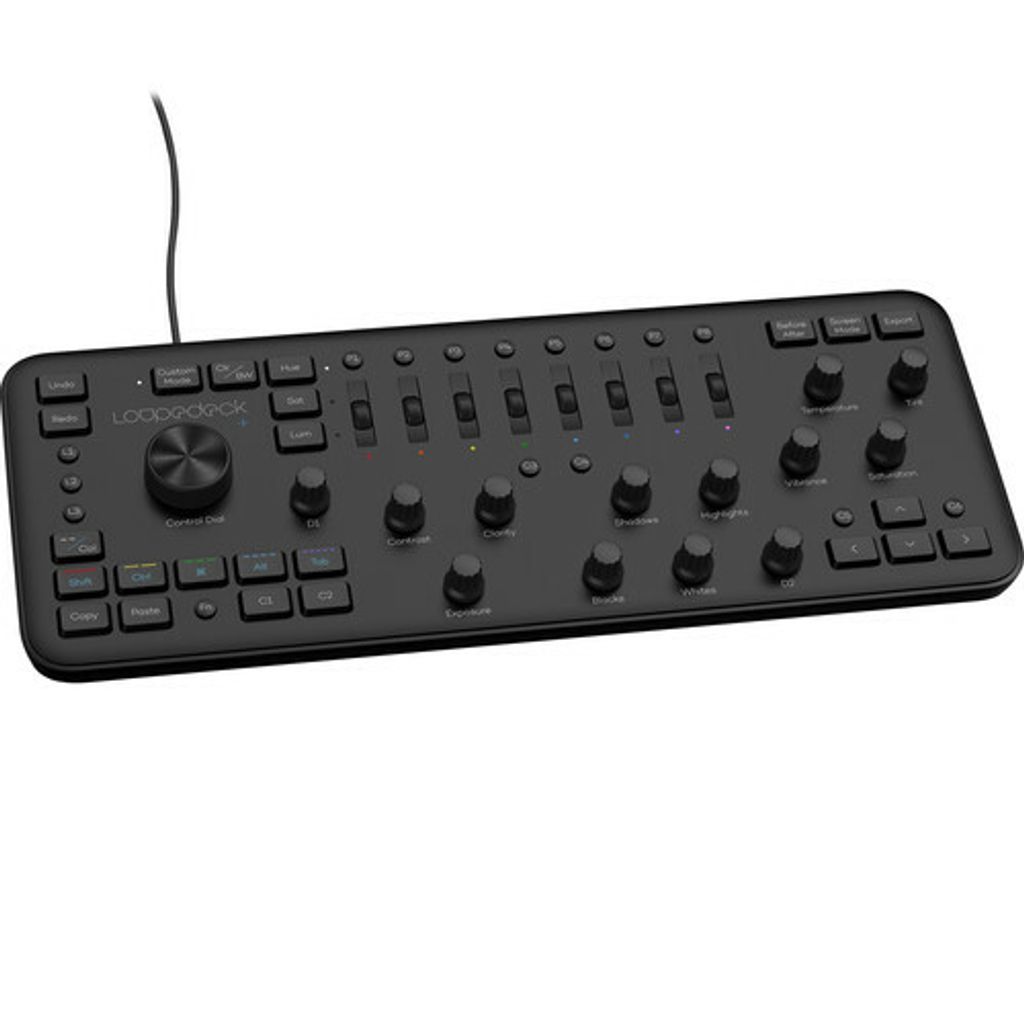
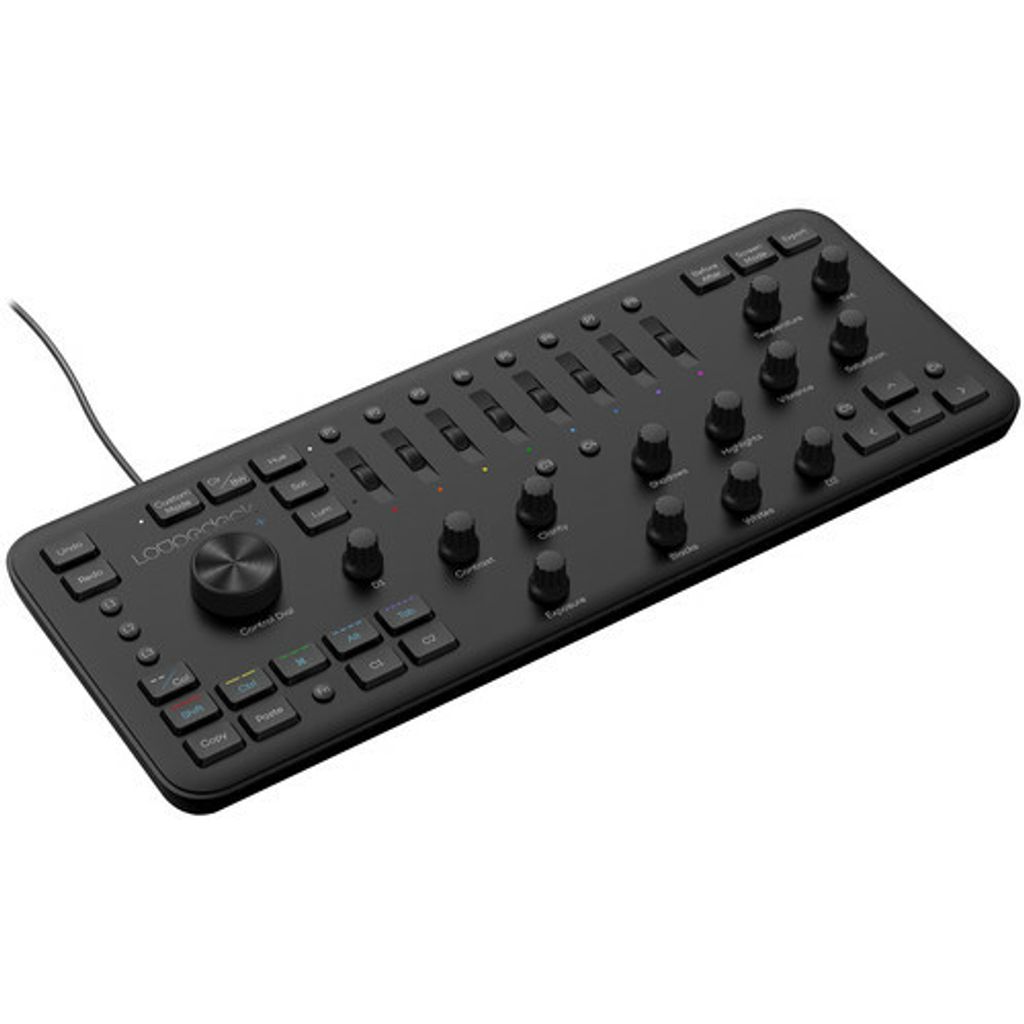

Loupedeck + Photo & Video Editing Console
- Regular price
- RM 1,456.00
- Sale price
- RM 1,456.00
- Regular price
-
RM 0.00



Share
Key Features
- Edit Using Buttons, Dials, and Sliders
- Adjust & Fine Tune Images
- Command Multiple Editing Functions
- Two Customizable Dials & 17 Buttons
- Mechanical Keys
- Ergonomic Design & Improved Build
- Adobe Lightroom, Premiere Pro Compatible
- Skylum Aurora HDR Compatible
- Beta Integration for Capture One
- Windows & Mac Compatible
Whether you're a seasoned pro or a beginner, the Loupedeck+ Photo & Video Editing Console lets you edit effectively using its intuitive buttons, dials, and sliders. Compatible with Windows and Mac versions of Adobe Lightroom Classic CC, Adobe Lightroom 6, Photoshop CC, Premiere Pro CC, and Skylum Aurora HDR, with beta integration for Capture One, you'll have advanced controls at your fingertips, making adjusting and fine-tuning images a user-friendly experience.
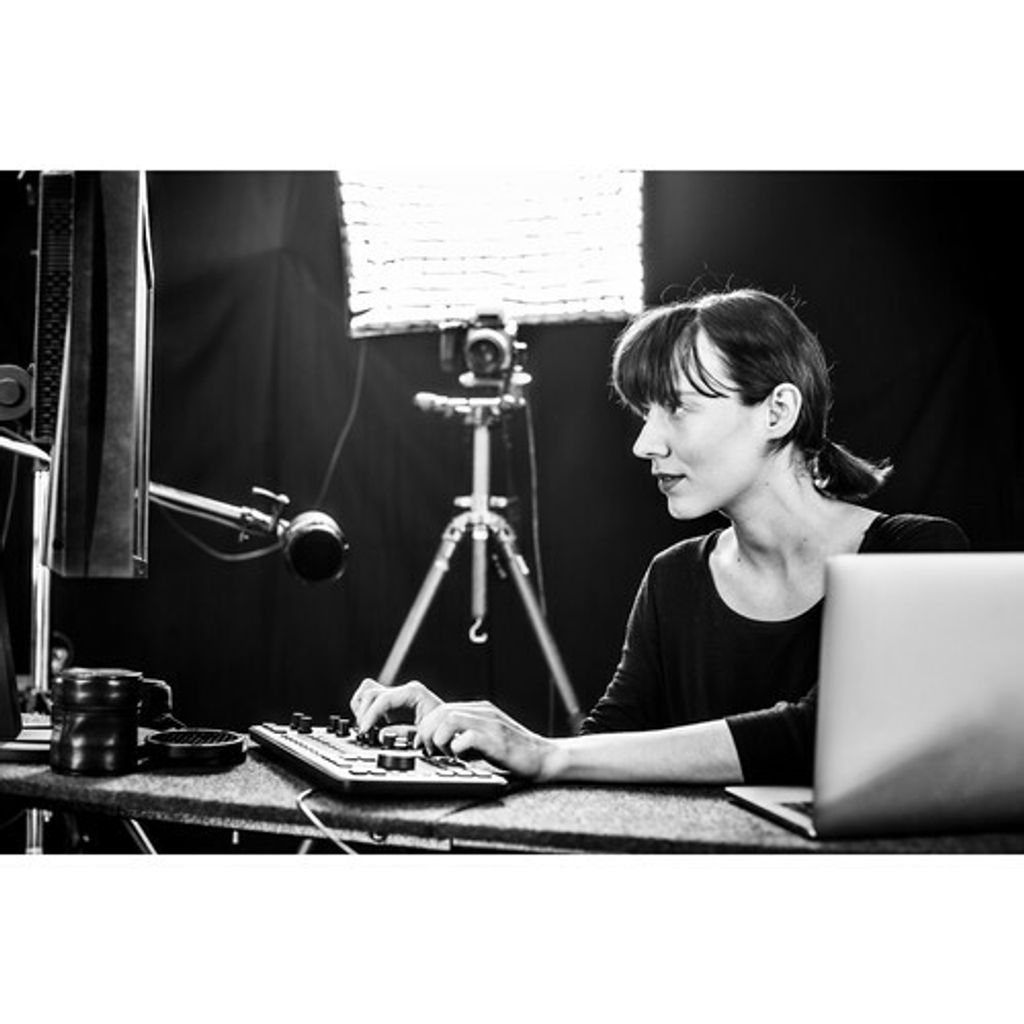
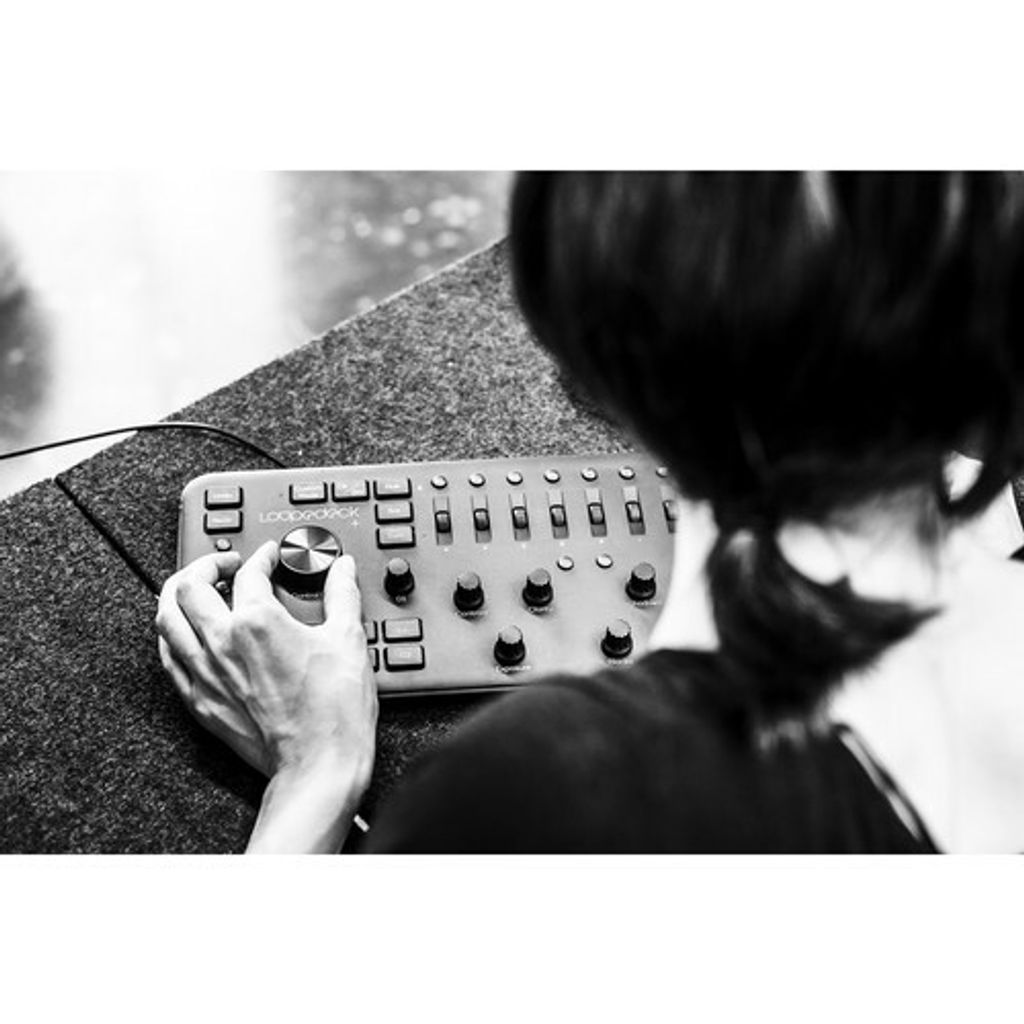
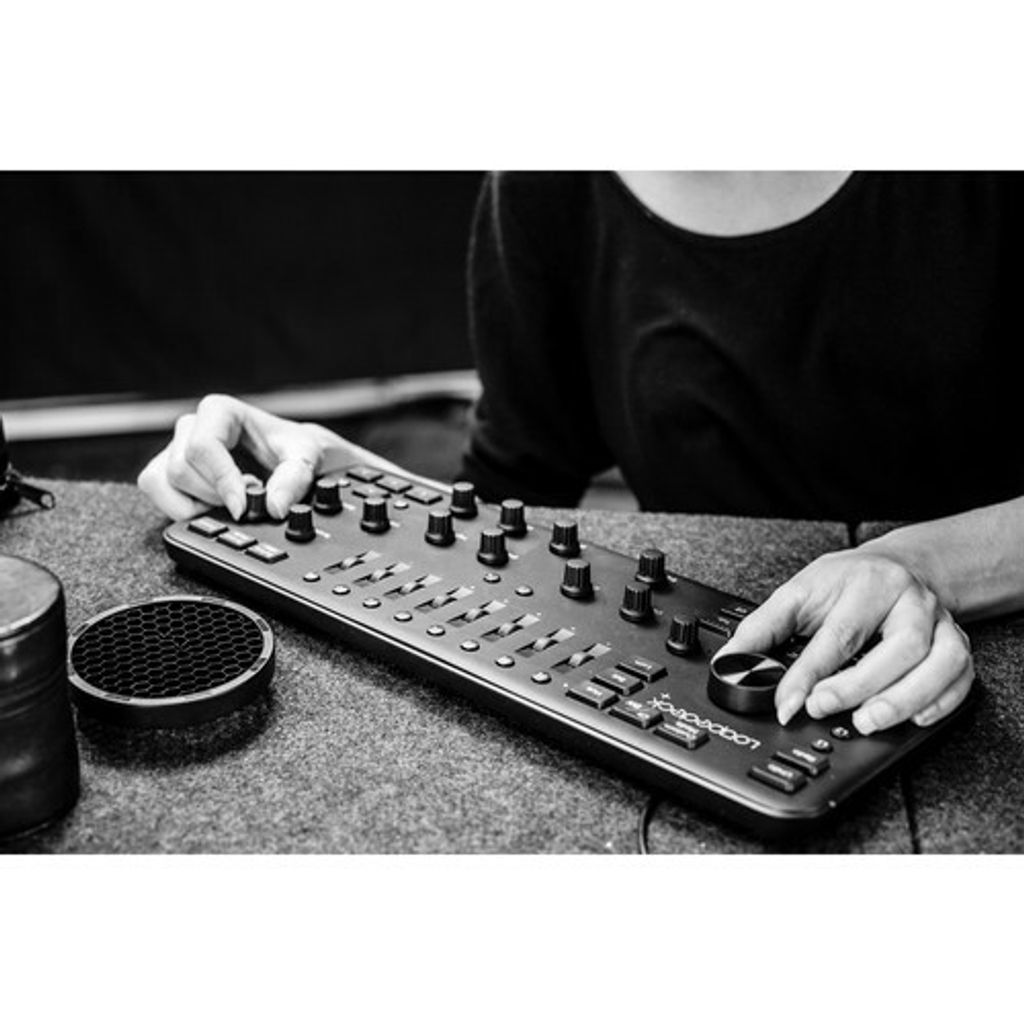
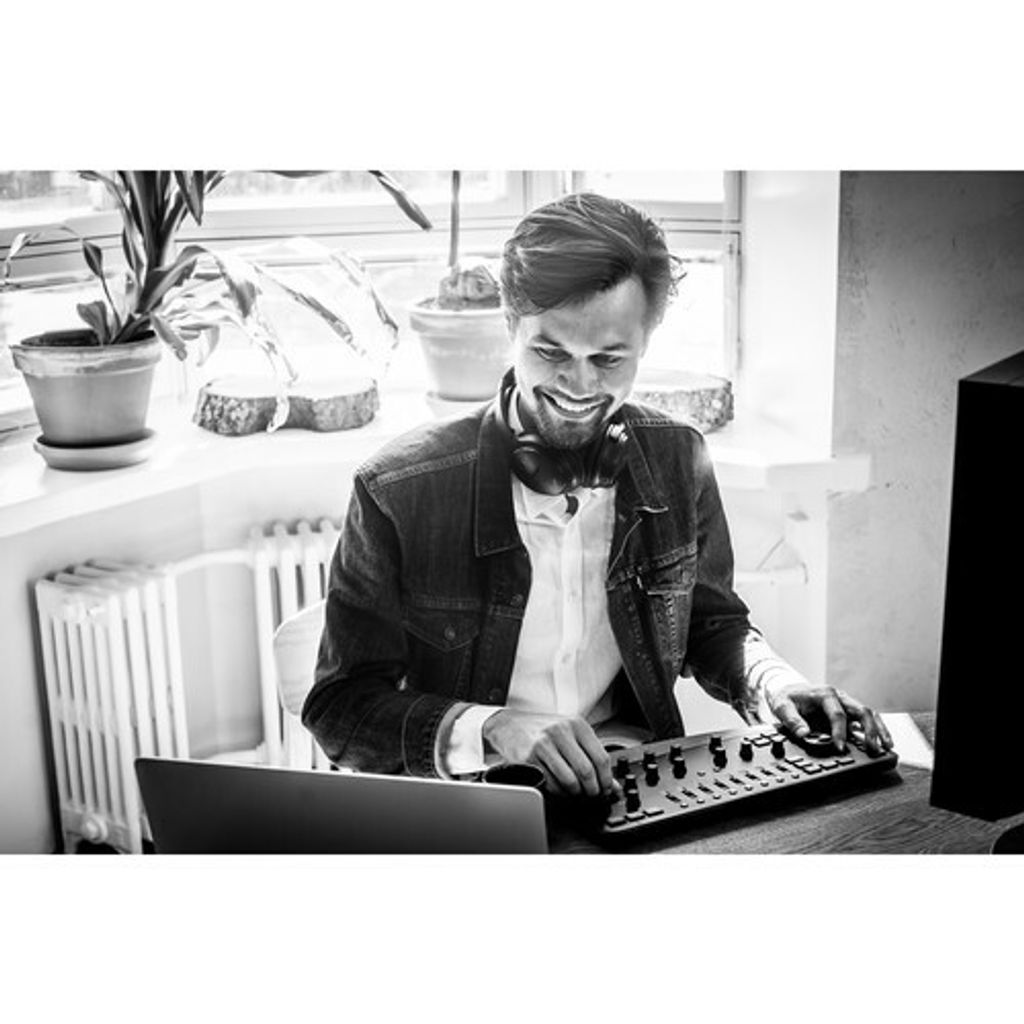
Thanks to its ergonomic design, it is possible to edit a plethora of photos with ease. This is also helped by commanding multiple editing functions simultaneously, which affords a great deal of customization. All of this allows your eyes to stay on the image and your hands to remain on the console.
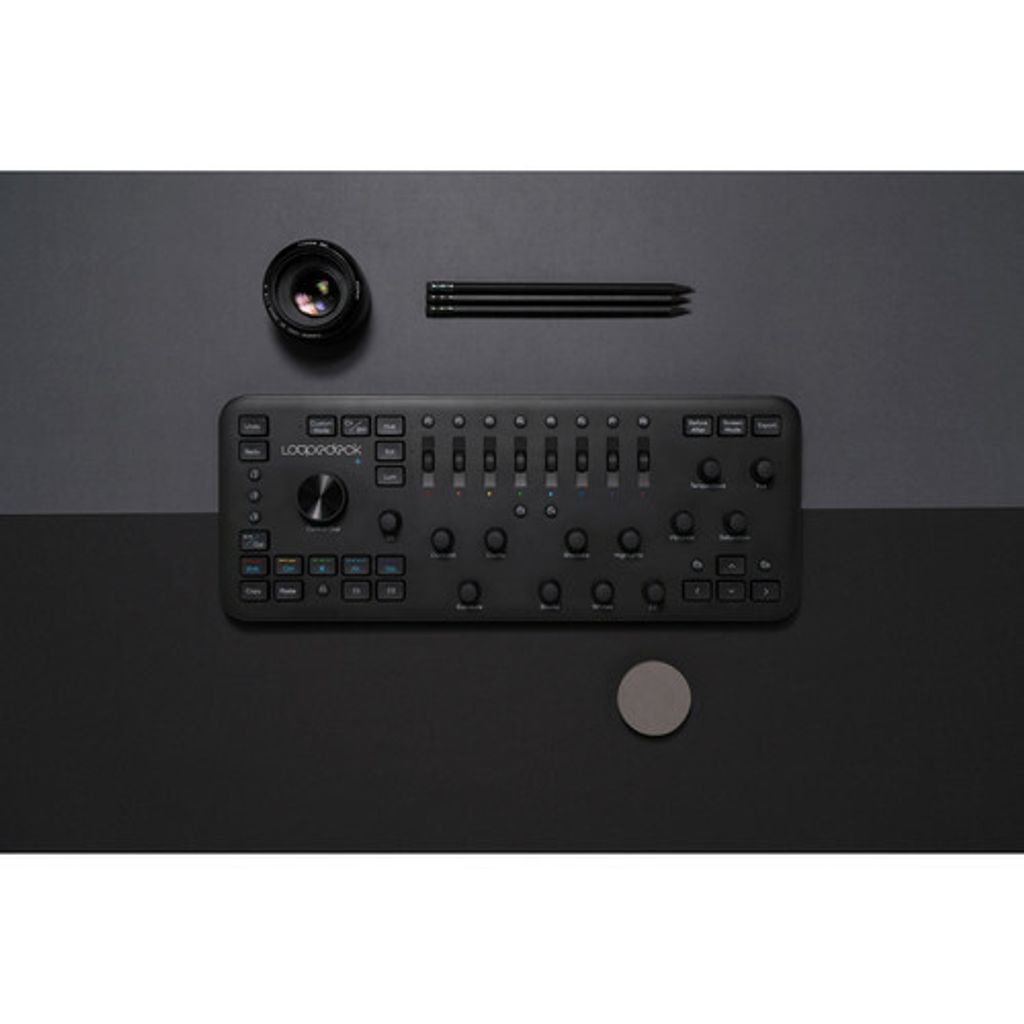
The Loupedeck+ has been upgraded to feature mechanical keys, a sturdier build, two dedicated and customizable dials, seventeen buttons, a custom mode that allows full user control of all dials, and built-from-scratch configuration software for an improved and more stable photo editing experience.
General Features
- Pro or beginner, achieving a solid edit quickly becomes second nature with Loupedeck+'s intuitive buttons, dials, and sliders.
- Complete control at your fingertips - adjusting and fine tuning your image becomes simple.
- Command multiple editing functions at the same time. An ergonomic design enables you to edit thousands of photos with ease and lets your eyes stay on the image and your hands on the console.
- Take charge of your editing. Get your image just the way you want it with a plethora of customization options.
- Compatible with Adobe Lightroom Classic CC and Skylum Aurora HDR, with beta integration for Capture One.
In The Box
- Loupedeck + Photo & Video Editing Console
- Limited 1-Year Hardware Warranty
Follow us @
https://www.facebook.com/cxgstore/
https://www.instagram.com/creatorxgear/